
TRAXON OPERATION MANAGEMENT SYSTEM
Every moving part.
One clear view.
From the first sale to the final report. Bring your stores, stock, purchasing, and finance into one connected operations workspace.
Manage your business from your desktop, laptop, tablet, or smartphone — all in one connected system.


WHERE THE WORK HAPPENS
Retail. Warehouse.
Ecommerce. Distribution.
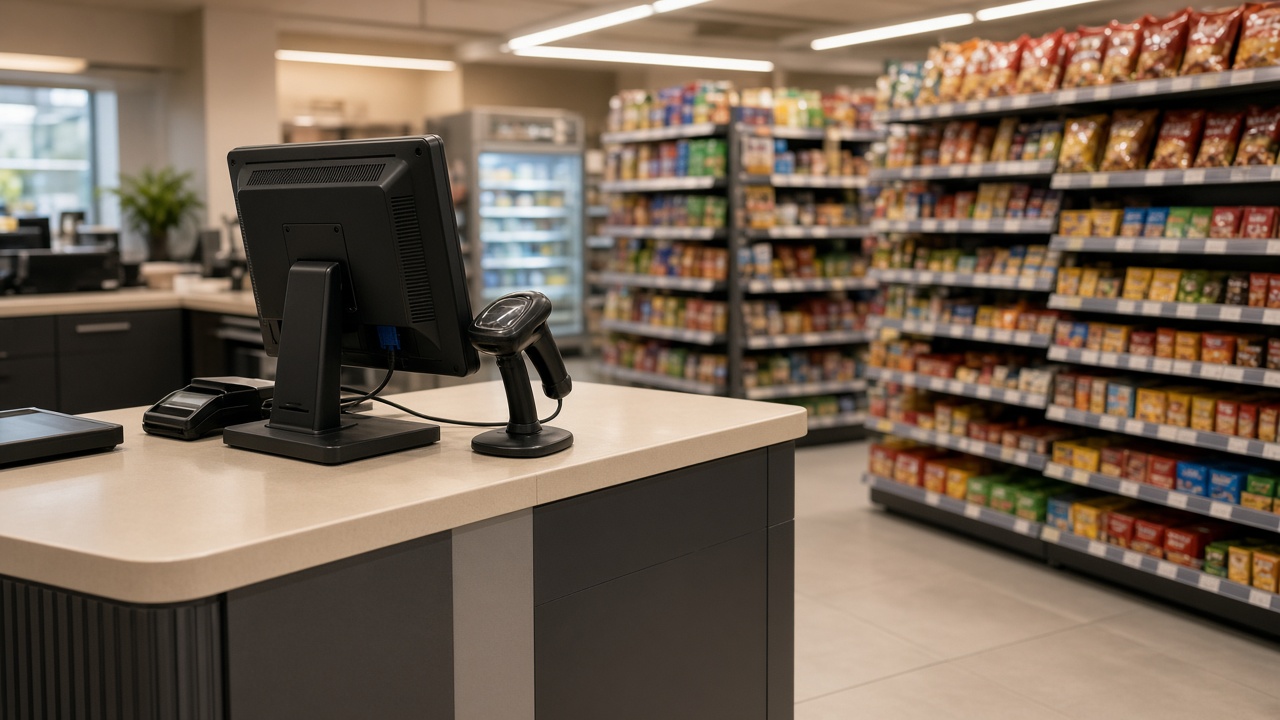
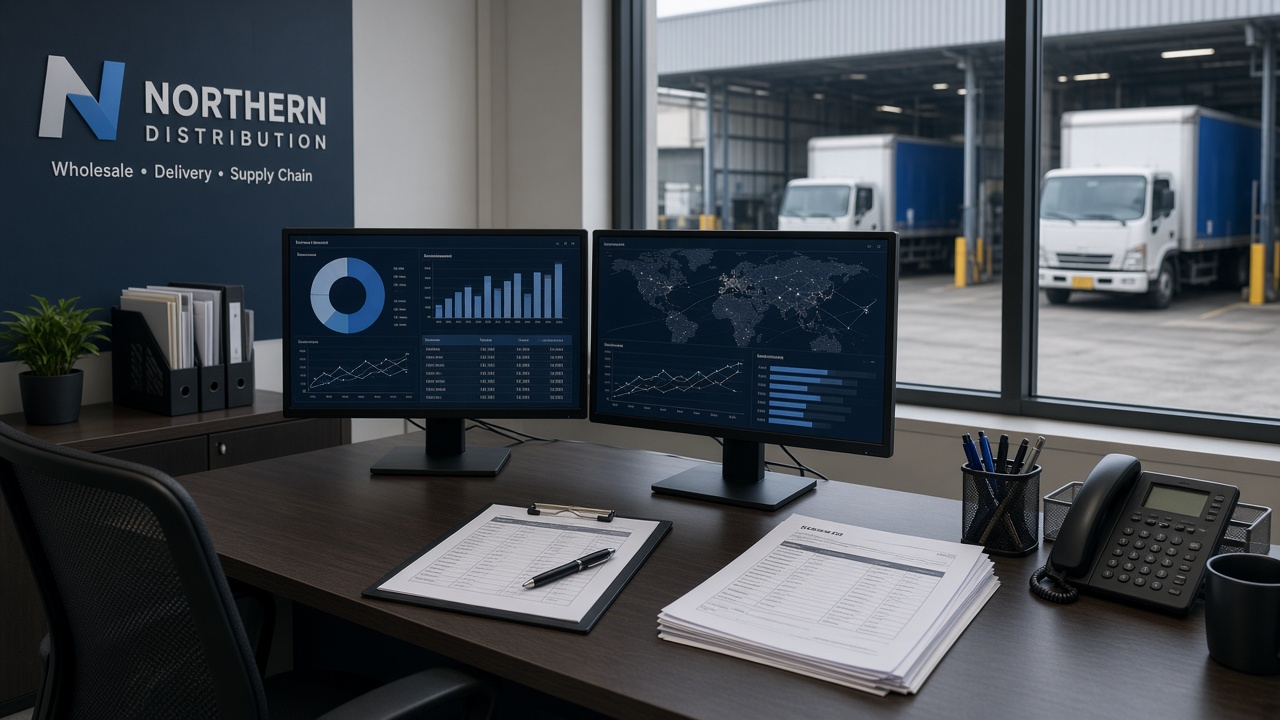
Operating environments TOMS is built to connect—from the sales floor to the packing desk and distribution office.


ONE PLATFORM. YOUR ENTIRE OPERATION.
Retail stores+
Wholesale & distribution+
Warehouse teams+
Multi-location businesses
THE TOMS WORKSPACE
See the whole operation.
Act on the right detail.
Follow the work from your sales floor to your back office. Choose an area below to explore the product story.
FROM OPENING TO CLOSING
Keep the sales day
moving forward.
Record sales, follow store activity, and bring the daily close into one reviewable workflow.
- Point-of-sale and customer order workflows
- Store and van activity in one view
- POS closing and approval handoffs
A SAMPLE SALES DAY
WORKFLOW PREVIEW
01
Open the dayStart in the right location.
✓02
Record the saleKeep the transaction in context.
✓03
Review the closingHand over with a clear record.
→ Connected work. Clear responsibility.
TOMS Pay
Integrated Payment & Financial Operations
TOMS Pay connects payment-related workflows with sales and financial operations, helping businesses manage transactions within one connected TOMS Enterprise system.
Product walkthrough
Book a demo
See TOMS at work.
Follow a Philippine retail operation from the morning sales review to the counter and the online storefront.
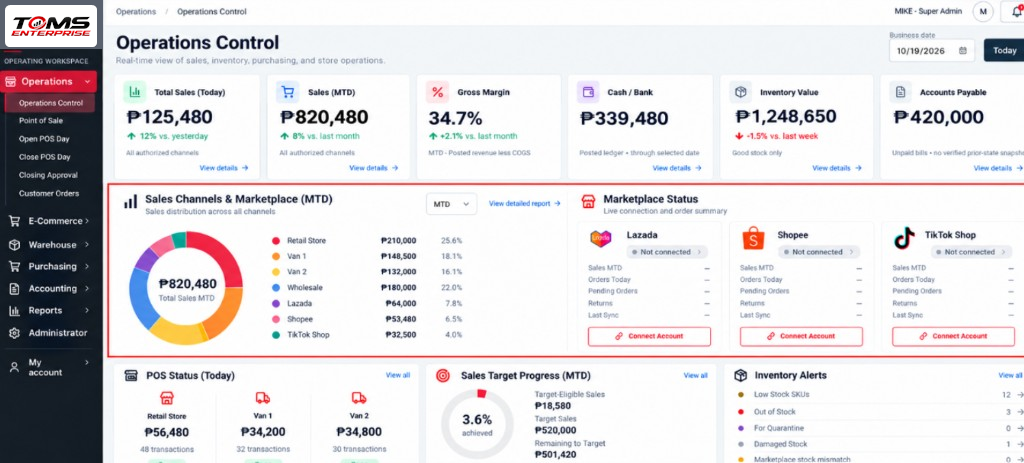
Read the business day
See today’s sales, the month’s channel mix and which POS locations are open.
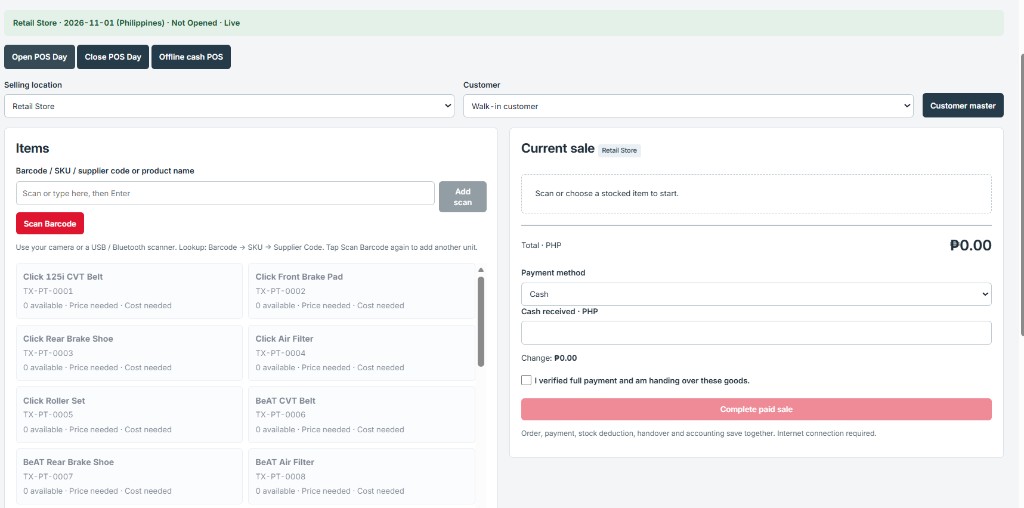
Build a counter sale
Find an item, set the quantity and review the amount due in the current sale.
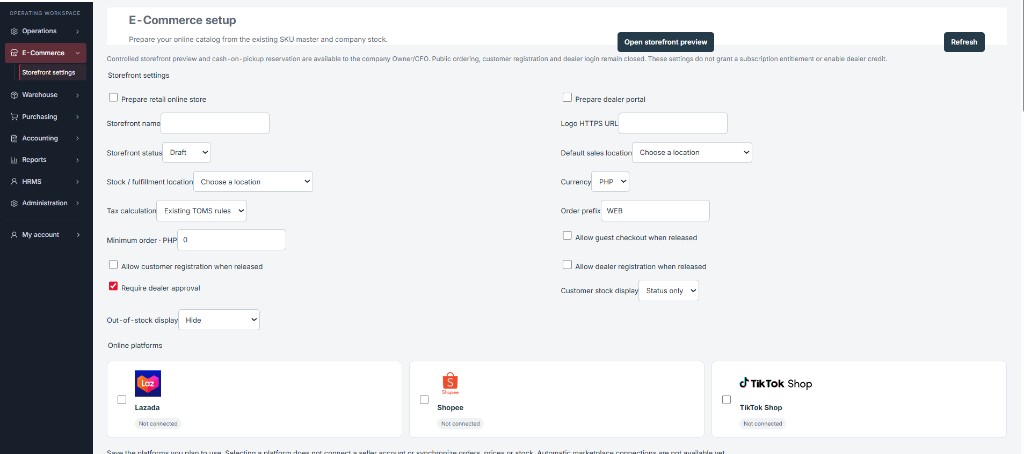
Choose what goes online
Review storefront access, the selling location and marketplace settings in one place.
TOMS product screens with illustrative data.
TOMS OPERATIONS INTELLIGENCE
Don't Just Track Your Business.
Understand It.
AI Analytics helps operators review performance, protect inventory, and spot unusual activity. Labels reflect verified production deployment for authorized subscribers. Each eligible released category includes four successful new analyses per calendar month.
KPI Intelligence
AvailablePerformance bars and trajectory signals that surface sales, margin, and operational KPI movement for focused executive review.
4 included analyses / month
95%
Detection Accuracy Target — Under Validation
AI Shrinkage Detection
AvailableRadar scanning for inventory discrepancies and unusual stock movement patterns before loss compounds.
4 included analyses / month
Profit & Margin Intelligence
AvailableFinancial bar trends and margin indicators for profitability, landed-cost impact, and potential margin leakage.
4 included analyses / month
Smart Inventory Intelligence
AvailableWarehouse and barcode scanning signals for low-stock risk, velocity, and replenishment guidance.
4 included analyses / month
Transaction Anomaly Detection
AvailableTransaction monitoring with scanning lines and alert pulses for unusual POS, refund, discount, and approval activity.
4 included analyses / month
SUBSCRIPTION PRICING
Clear plans.
Clear billing.
Select monthly or annual billing. Plan configuration and module availability are confirmed during onboarding.
Prices shown are monthly subscription amounts in Philippine pesos (₱).
Starter
₱1,099
per month
For teams beginning with a focused TOMS workspace.
Book a demoOperations
₱1,999
per month
For day-to-day retail and operations coordination.
Book a demoBusiness ERP
₱2,999
per month
For broader operational and back-office coverage.
Book a demoEnterprise
₱5,999
per month
For larger multi-location and enterprise rollouts.
Book a demoSubscription amounts only. Taxes, implementation, training, and optional services are confirmed separately. Module availability depends on configuration.
NEXT STEP
Get Started with TOMS Enterprise
Choose a plan, confirm enrollment with the team, and start the conversation by Email or WhatsApp.
How enrollment works
Online checkout is not available on this website. Plan selection, OFW eligibility, and payment arrangements are confirmed directly with TOMS Enterprise.
- Choose your subscription plan from the pricing options above.
- Request a demo or ask about OFW eligibility using the contact panel.
- Confirm subscription and payment arrangements with the TOMS team.
The OFW introductory benefit is offered by TOMS Enterprise. It is not a government subsidy, partnership, or endorsement. It is not automatically combined with annual billing unless confirmed during enrollment.
BUILT AROUND YOUR TEAM
Different responsibilities.
A shared business picture.
Give every team a purposeful workspace, with permissions and location context that reflect the way you operate.
Stay close to the business.
See sales, store activity, and inventory alerts together. Move from a summary into the work behind it.
Explore operations ↗Keep stock in context.
Bring inventory movement, purchasing, and receiving into a connected workflow across your locations.
Explore inventory ↗Follow the financial trail.
Review payables, recorded payments, and posted reports with the operational context your team needs.
Explore financial oversight ↗ A workspace for the work. A clear view for the people responsible.
A PRACTICAL WAY TO START
Your workflow first.
The system follows.
A focused rollout starts with understanding your business—not asking you to change everything at once.
Map your operations
Identify your locations, roles, sales channels, and the everyday tasks you want to connect.
Walk through real scenarios
Review a demo around your priorities, from recording a sale to reviewing stock and closing the day.
Agree on a measured rollout
Confirm configuration, data preparation, training, and acceptance checks before expanding usage.
NEXT STEP
Make room for
clearer operations.
Start with a conversation about how your business works. Use the Book a demo button in the header when you are ready.